
ALL YOUR HOME NEEDS IN ONE PLACE
24/7 services we provide
- Direct 1-to-1 online support
- Response via WhatsApp in 20 min
- 1-minute ultra-simple request form
✓ Fully stocked van
✓ 14-day parts warranty
★ 4.9 / 5 · 2,480 reviews
20–30min avg. arrival
12.400+jobs completed
100%fixed quotes
Emergency right now?
Power outage, locked out of your home, or an active water leak — call us directly, we dispatch immediately.
Our services
Transparent rates, fixed quotes and a certified specialist at your door.
What Amsterdam says
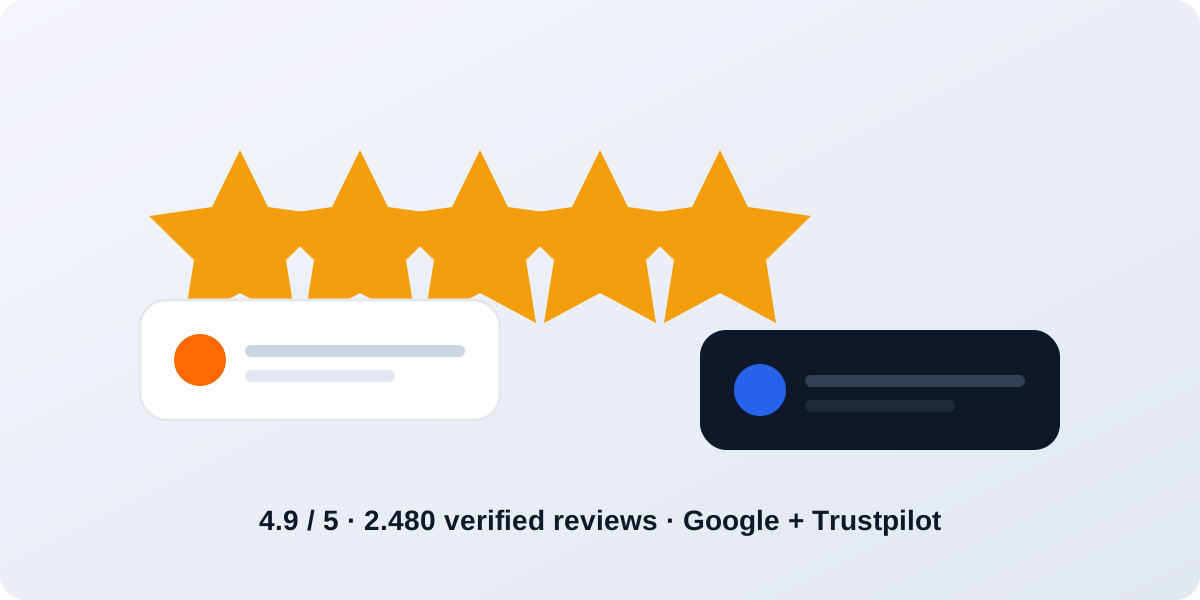
Real reviews from real bookings in your neighbourhood.
Frequently asked questions
Everything about our 24/7 emergency service in Amsterdam.

How fast can a technician arrive in Amsterdam?
Within 20–30 minutes anywhere in the city. Our certified technicians drive fully stocked service vans, so most jobs are finished in one visit \u2014 and we never charge a travel fee.
What does a handyman in Amsterdam cost?
Rates start at €69 per hour excluding 9% BTW (VAT). You always receive a fixed quote before any work starts — no surprises. Emergency dispatch adds 50% and puts a technician at your door within 30 minutes.
Are you available 24/7 in my district?
Yes — 24 hours a day, 7 days a week, in every Amsterdam district: Centrum, De Pijp, Oud-West, Jordaan, Oost, Noord, Zuidas, Westerpark and beyond.
I am locked out of my home — what should I do?
Do not force the door or lock — that damages the frame and makes the repair expensive. Call or WhatsApp +31 6 86385408: our locksmiths open 99% of doors without damage and arrive within 15–25 minutes.
Is the work insured and guaranteed?
Every job includes a 14-day workmanship warranty and an official BTW-compliant invoice with our KvK and VAT numbers — accepted by insurers and landlords.
Latest Articles
Expert tips, guides and news from our certified technicians across Amsterdam.

Handyman Portal
Accept incoming jobs in your district, update the status and track your daily earnings.
Job board
Admin Dashboard
Live operations overview — orders, transactions, ratings and platform revenue.
Order Management
| Order | Customer | Service | District | Technician | Status | Total | Actions |
|---|
Services Management
| Icon | Service | Price | Unit | Badge | Actions |
|---|
Blog Management
| Image | Title | Category | Author | Date | Actions |
|---|
Technicians Management
| Name | Initials | District | Rating | Jobs | Actions |
|---|
Districts Management
| ID | Name (EN) | Name (NL) | ETA (min) | Actions |
|---|
Transparent price calculator
See exactly what you pay, what the platform keeps, and what your technician earns.
Labour subtotal€0.00
Emergency surcharge (50%)€0.00
Subtotal excl. VAT€0.00
VAT (BTW 9%)€0.00
Total incl. VAT€0.00
Technician (85%) €0.00
Platform (15%) €0.00
Estimate only. Your final fixed quote is confirmed by the technician before work starts — no surprises.
Logo & favicon
Upload your own site logo (shown in the header and footer) and browser favicon. Both are resized automatically, stored on this device and synced to the server so every visitor sees them.
Branding guide
Logo — 512 × 512 px (square), PNG (transparent) or JPG/SVG export as PNG; it fills the 42 × 42 tile in the header and footer and is shown in full, never cropped. Favicon — 512 × 512 px (square, PNG); it replaces the browser-tab icon and the iOS home-screen icon. The PWA manifest icons and the social-share image (og-image) are fixed build files and do not change here. Press Reset to return to the shipped logo/favicon.
Logo — 512 × 512 px (square), PNG (transparent) or JPG/SVG export as PNG; it fills the 42 × 42 tile in the header and footer and is shown in full, never cropped. Favicon — 512 × 512 px (square, PNG); it replaces the browser-tab icon and the iOS home-screen icon. The PWA manifest icons and the social-share image (og-image) are fixed build files and do not change here. Press Reset to return to the shipped logo/favicon.
Section images
Upload your own photo for every section of the site. Images are resized automatically, stored on this device and synced to the server so they appear for every visitor.
Image guide
Formats: JPG, PNG or WebP. Recommended sizes: hero — 1400 × 610 px (≈2.3:1), and the hero card grows to your photo's shape (max 340 px tall) so the photo is shown edge to edge — never cropped, never letterboxed; section banners — 1400 × 600 px (≥2.06:1), which stays under the 560 px height cap so the banner is filled edge to edge. Photos are auto-resized (max 1400 px wide, JPEG) and compressed until they fit (~300 KB). Uploaded photos are always shown in full: nothing is cropped — a photo with a different ratio only gets a small dark border instead. Uploaded images override the default illustration until you press Reset.
Formats: JPG, PNG or WebP. Recommended sizes: hero — 1400 × 610 px (≈2.3:1), and the hero card grows to your photo's shape (max 340 px tall) so the photo is shown edge to edge — never cropped, never letterboxed; section banners — 1400 × 600 px (≥2.06:1), which stays under the 560 px height cap so the banner is filled edge to edge. Photos are auto-resized (max 1400 px wide, JPEG) and compressed until they fit (~300 KB). Uploaded photos are always shown in full: nothing is cropped — a photo with a different ratio only gets a small dark border instead. Uploaded images override the default illustration until you press Reset.
Site Settings
Security
Change the admin-panel password. It is stored hashed (PBKDF2-SHA256, 210,000 rounds) on the server, never in plain text, and takes effect on the next request.
No password set yet — the Worker secret is still in use.